Download and Set Up LightXtreme VPN
 30-Day Money-Back Guarantee
LightXtreme VPN macOS build
You only need macOS 12 or later on your Mac.
2,000+ servers across 70+ countries put this client near the top for speed.
Bypass region restrictions anytime and open the platforms you care about.
Open bandwidth and no slowdown make for a calm, quick link.
Your true address is masked and you remain anonymous on the web.
Your online privacy is guarded by strong encryption.
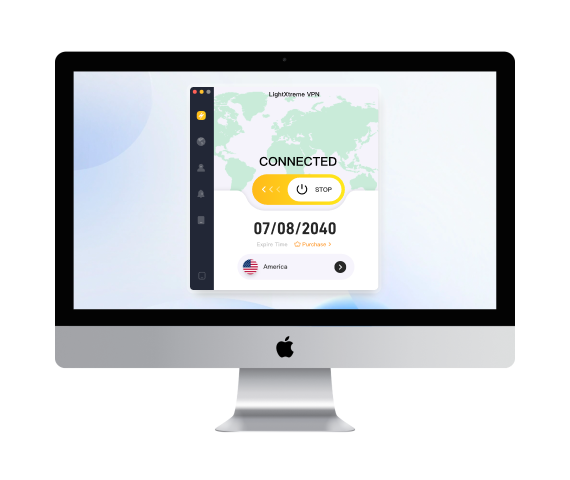


Quick macOS setup: three steps
Download and add
Press Free Download and the client will install by itself.

Subscribe and sign up
Subscribe to your chosen plan and set a password on the random account provided.
Log in and connect
After signing in, choose a server and tap connect to start your session.
macOS support questions

Select LightXtreme VPN, pick a subscription, get the installer from the official site and complete setup.

Your traffic stays protected by Shadowsocks, Vless, WireGuard and AES-256-GCM.
Go to Apple > System Settings > Privacy & Security and allow the app if macOS reports an unknown developer.
LightXtreme VPN iOS build
iOS 15 is the minimum system version.
Apple phones and tablets all run the client.
The network has 2,000+ servers in 70+ countries.
Location restrictions are lifted and worldwide content opens up.
Fast, steady, encrypted connections with no data ceiling.
Hidden IP and encrypted traffic safeguard your privacy and security.
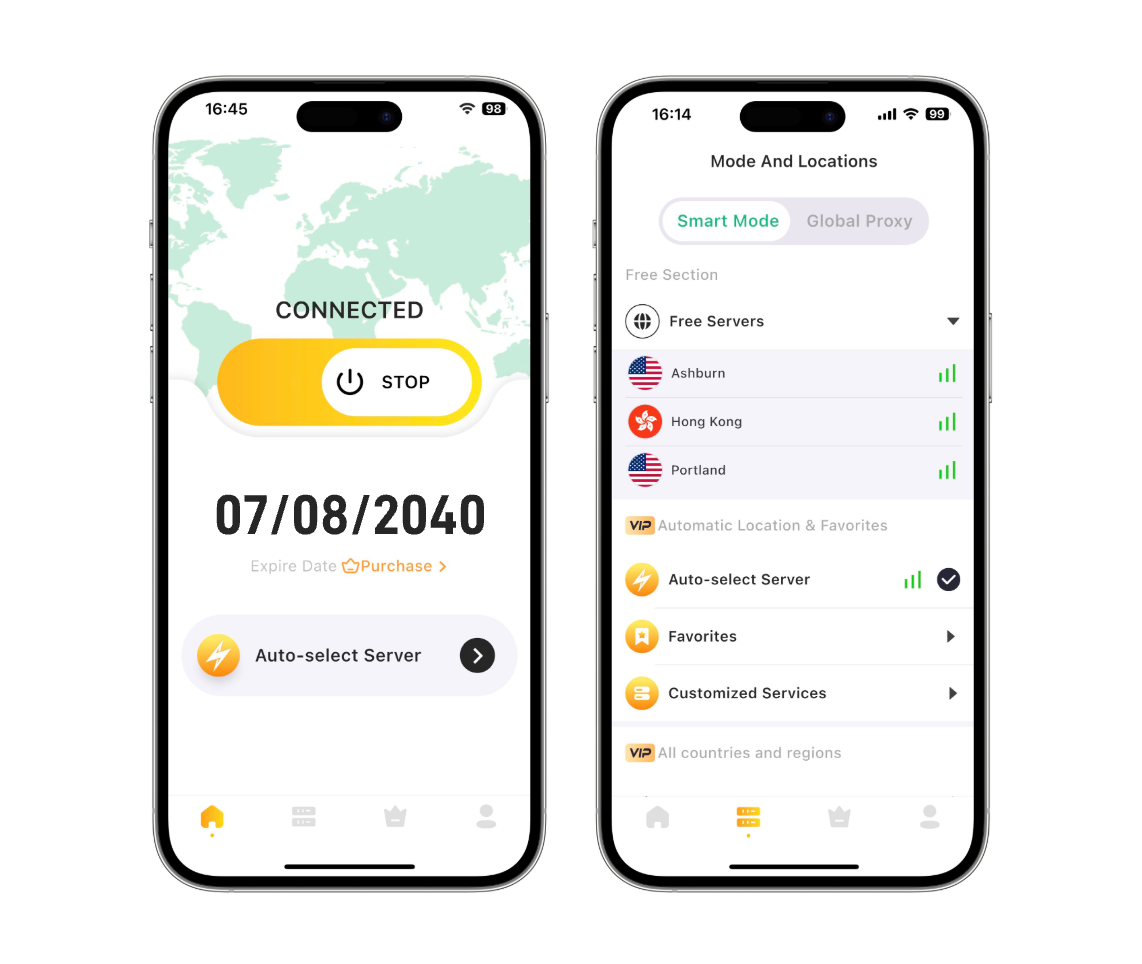
Quick iOS setup: three steps
Download and add
Select Free Download, or locate LightXtreme VPN in the App Store and install it.
Subscribe and sign up
After installation you have a trial account, and can pick a plan next.
Log in and connect
Open the client, sign in, tap Start, or choose another server to connect.
iOS support questions
Due to local limits, the app may not be listed in certain App Stores.
Your IP is masked and traffic encrypted, so your online privacy is preserved.
Test the app free of charge; subscribing opens all nodes and unlimited data.
LightXtreme VPN Windows build
You can run it on Windows 10 or Windows 11.
70-plus countries are home to 2,000-plus servers.
Location restrictions fade, leaving global content within reach.
Connections open fast and stay reliable, with no bandwidth cap.
YouTube, TikTok, Instagram, Netflix and similar sites work fine.
With the address masked and data encrypted, your privacy stays protected.
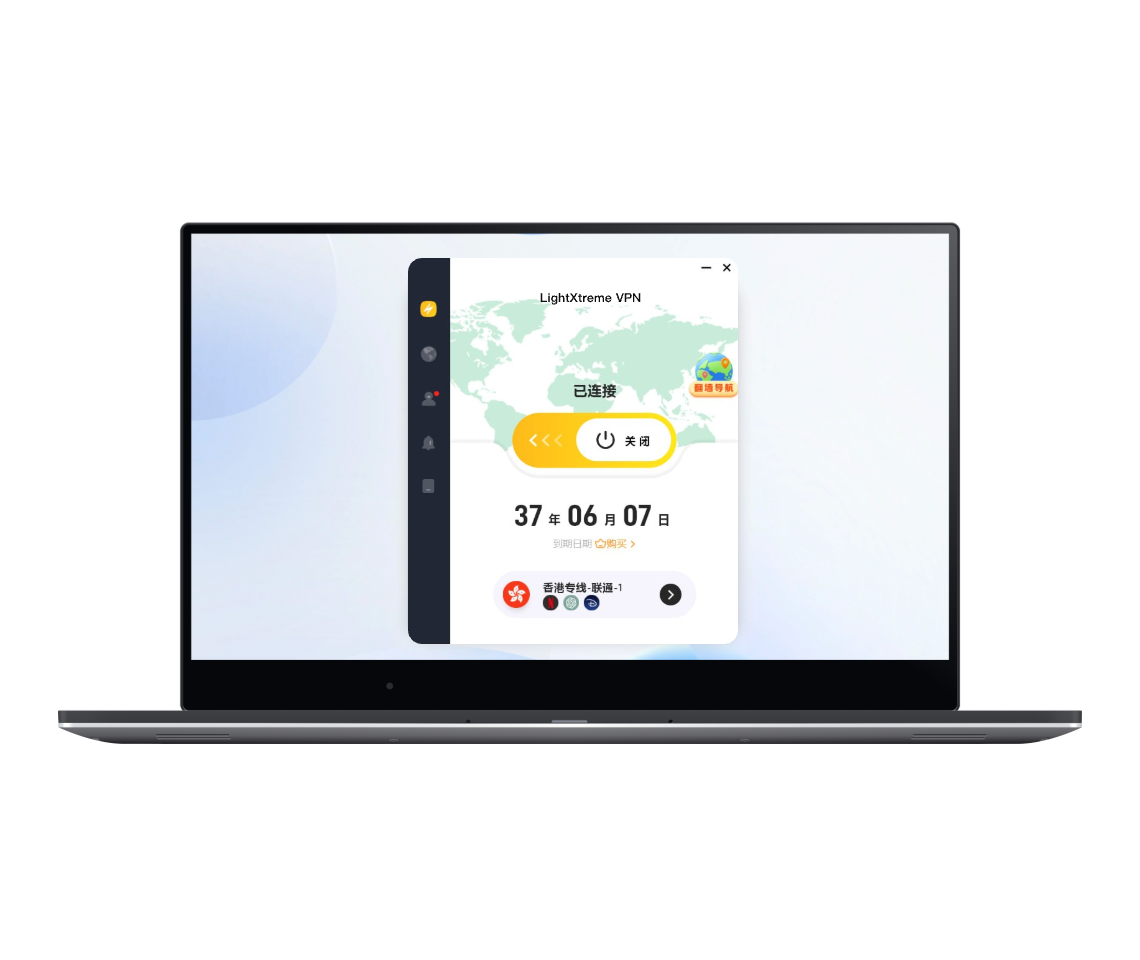
Quick Windows setup: three steps
Download and add
Press Free Download and set up the LightXtreme VPN client on your PC.
Subscribe and sign up
Subscribe to a plan and set a password on the numeric account you receive.
Log in and connect
Open LightXtreme VPN, log in, pick a location and connect to begin.
Windows support questions
Open the website, select Free Download and the client will be downloaded.
A quick check of your network speed and stability comes first.
Recheck the numeric login and password, and confirm the subscription is valid.
Yes, one account allows 3 devices to connect at once.
LightXtreme VPN Android build
Android 5.0 is the minimum, with every version after supported.
A 2,000+ server network is spread worldwide, with no data cap.
Borders fall away so any site or platform can be reached.
You get quick, stable, protected connections throughout.
Data, privacy and security are guarded by strong encryption.
A hidden address keeps your browsing anonymous.
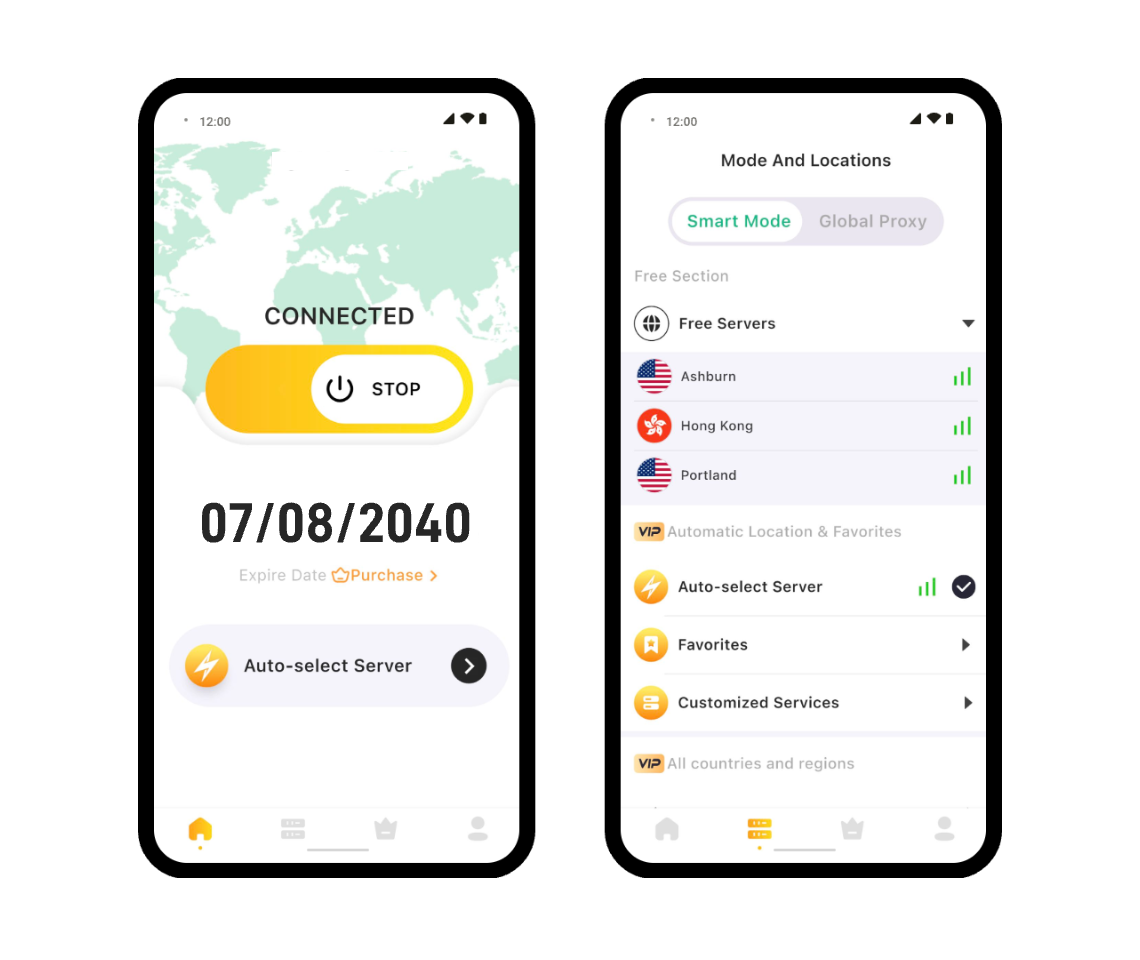
Quick Android setup: three steps
Download and add
Select Free Download to fetch and install the Android client.
Subscribe and sign up
The Android client includes a trial account, with paid plans optional.
Log in and connect
Open the client, sign in and select your preferred server.
Android support questions
Go with LightXtreme VPN, install the app from the Play Store and open it.
It is not free, but installing the app grants a trial account.
Open the client and press Stop to end the session.
Pick a different server, confirm network stability, update the app and try again.
LightXtreme VPN tvOS build
tvOS 17 is the minimum supported version.
You will find about 2,000 servers in over 70 countries.
Streaming platforms like Netflix, Hulu and Disney+ are all open.
Borders stop blocking, so international video content is reachable.
Quick, stable and uncapped — connect with just one tap.
AES-256-GCM shields your information and keeps sessions secure.
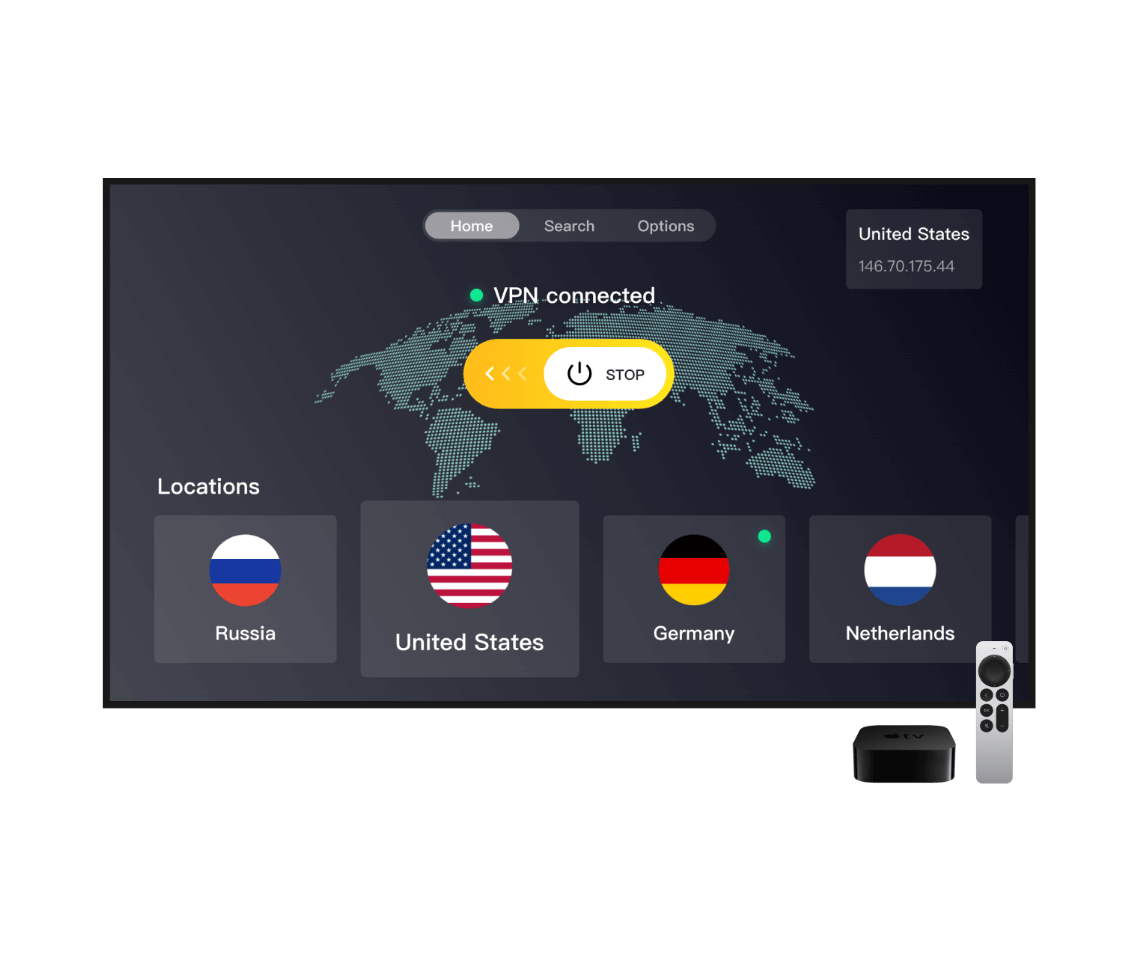
Quick Apple TV setup: three steps
Download and add
Open the App Store on your Apple TV and install LightXtreme VPN.
Subscribe and sign up
After subscribing, use the numeric account and password to log in.
Log in and connect
Select a country and server to start streaming films and series.
Apple TV support questions
Look up LightXtreme VPN in the TV App Store and install it.
Sign in with the account name and password, or scan the QR code shown by the LightXtreme VPN app.
Apple TV can install the native VPN app directly if it runs tvOS 17+.
LightXtreme VPN TV build
Android 5.0 is the minimum system version.
Streaming platforms like Netflix, Hulu and Disney+ are open.
70+ countries of content are within your reach.
A 2,000+ server network that is quick, stable and unlimited.
Data, privacy and security are covered by strong encryption.
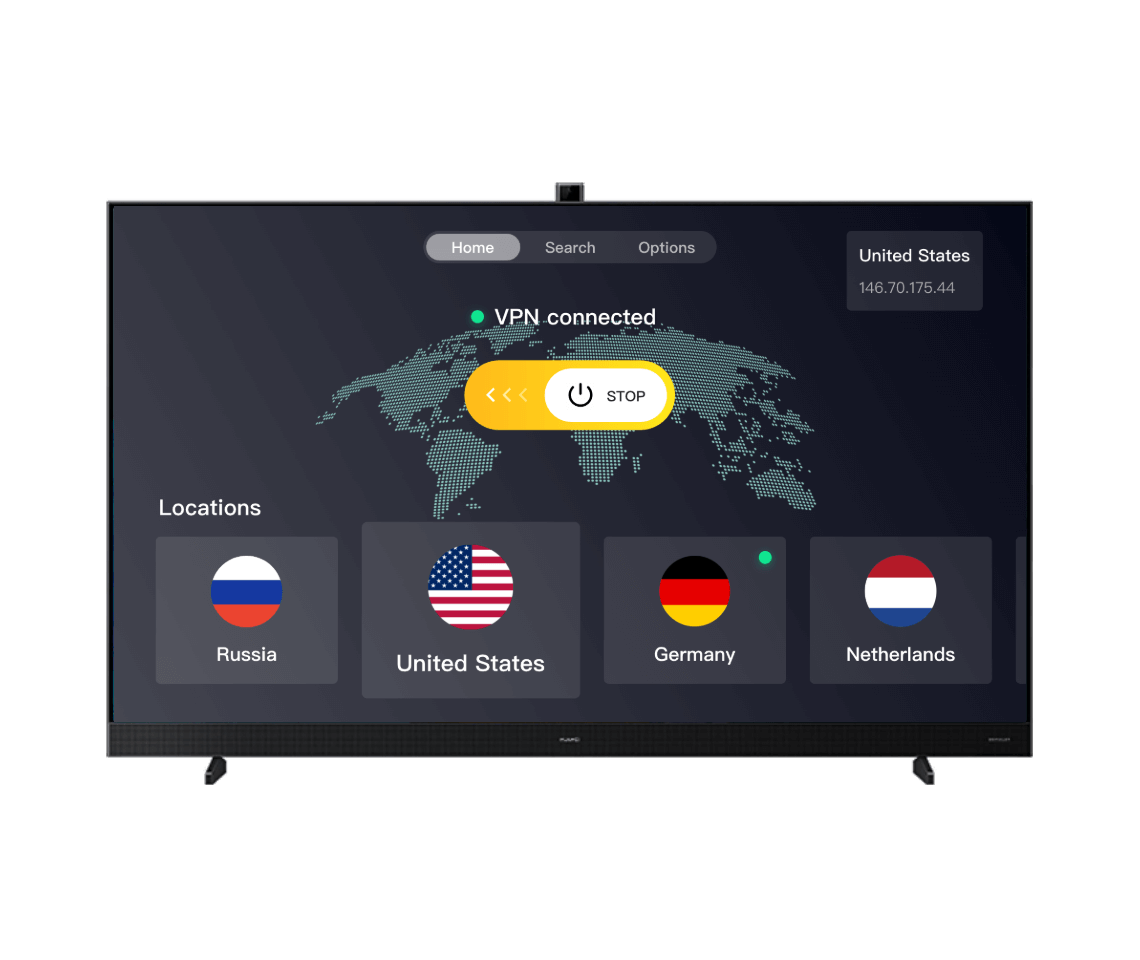
Quick Android setup: three steps TV
Download and add
Open Google Play on your Android TV and install LightXtreme VPN.
Subscribe and sign up
After payment, a numeric account is provided for login.
Log in and connect
Select a country and server to start streaming on Android TV.
Android TV support questions
Look up LightXtreme VPN in the TV's Play Store or fetch the APK.
It works quickly and safely on Android TV, and also on Apple TV, Windows and elsewhere.
Sign in with the account name and password, or scan the QR code shown by the LightXtreme VPN app.
Of course — plenty of providers offer Android TV apps on Google Play.
Quality providers keep streaming servers fast and optimised, so impact is tiny.
LightXtreme VPN Linux build
Debian 11 and Ubuntu 20.04 LTS or newer are compatible with both architectures.
A 2,000+ server network spans 70+ countries.
Borders stop blocking, leaving global content available.
Quick and steady connections, with bandwidth left open.
YouTube, TikTok, Instagram, Netflix and more are all reachable.
With the real address hidden and data encrypted, privacy stays protected.
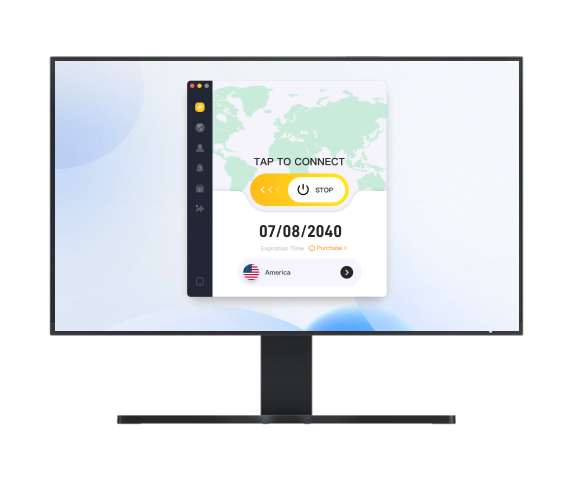
Quick Linux setup: three steps
Download and add
Press Free Download to get the Linux client onto your device.
Subscribe and sign up
Choose a plan and register a numeric account.
Log in and connect
Open LightXtreme VPN, sign in and connect with Start or choose Mode.
Linux support questions
Other Linux VPN tools use the terminal for setup, sign-in and connecting; this app uses a GUI.
LightXtreme VPN is one of the strongest Linux VPN choices available.
Add LightXtreme VPN to Chrome
Speedy, protected browsing free of ads.
Setup is light and you can start straight away.
Privacy and data are shielded by advanced encryption.
A 2,000+ server network removes regional limits from every site.
The connection holds up, so online activity stays fluid.
A masked address protects your privacy and network security.
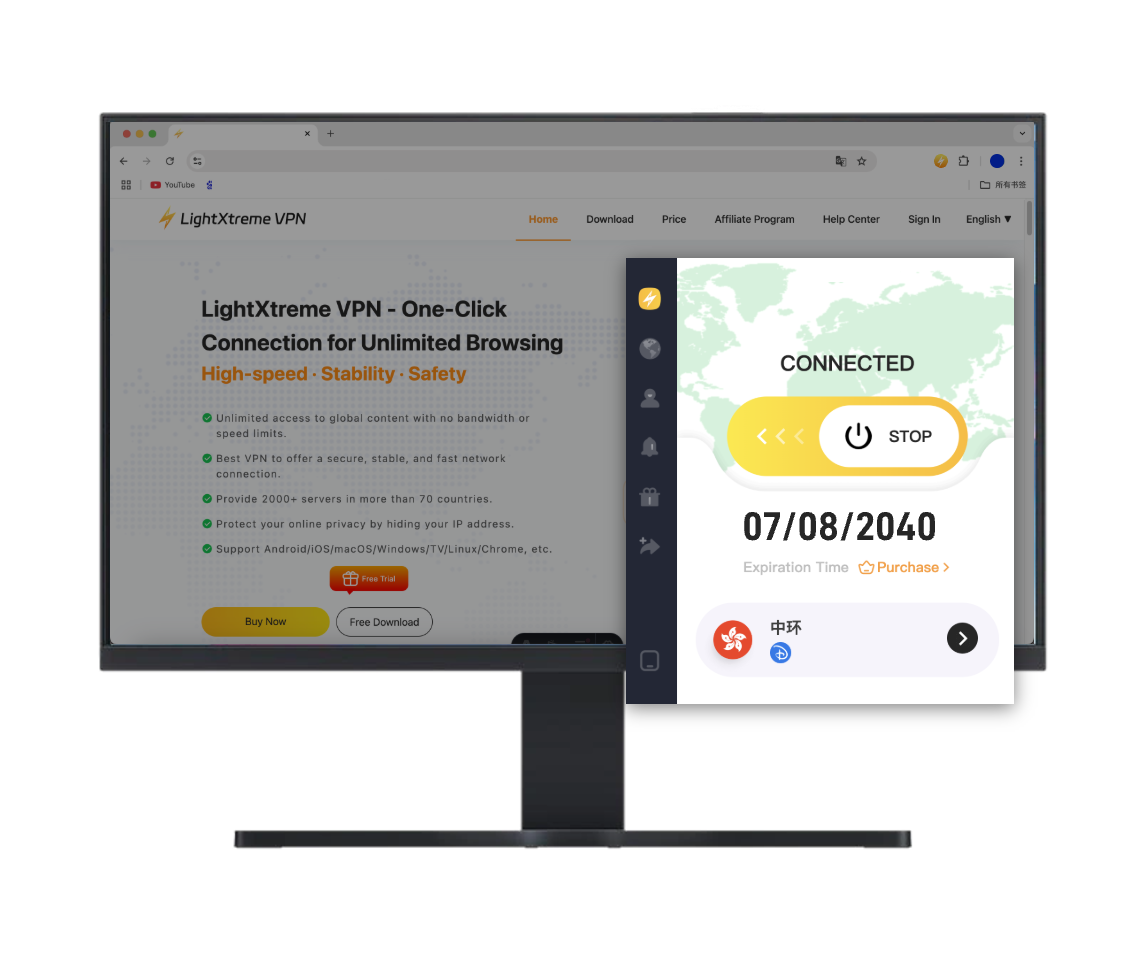
Quick Chrome setup: three steps
Chrome extension install
Press Free Download or choose the app from the Chrome Web Store.
Subscribe and sign up
Open an account and choose your plan.
Log in and connect
Start the Chrome extension, sign in and connect to your chosen server.
Chrome support questions
The LightXtreme VPN extension works on Chrome 124 and up.
Add LightXtreme VPN to Edge
Browsing on Edge is speedy, safe and ad-free.
A 2,000+ server network is available to unlock any site.
IP rotation keeps your identity hidden and activity protected.
Advanced ciphers look after your information.
Setup takes little effort and works immediately.
Quick, stable connectivity delivers a great browsing experience.
Quick Edge setup: three steps
Edge extension install
Select Free Download and confirm installation.
Subscribe and sign up
Sign up first, then choose the plan that suits your needs.
Log in and connect
Start the Edge extension, sign in and connect to your server.
Edge support questions
The extension works on Edge 124 and up.
Add LightXtreme VPN to Firefox
Browsing on Firefox is speedy, safe and ad-free.
Setup is quick and it is ready at once.
A 2,000+ server network brings every platform within reach.
With the address covered, you remain anonymous online.
Cutting-edge encryption offers maximum privacy protection.
A stable, fast connection is key to the best web experience.
Quick Firefox setup: three steps
Firefox extension install
Find the extension in Firefox Add-ons and click Add, or select Free Download.
Subscribe and sign up
Sign up first, then choose the plan you need.
Log in and connect
Start the Firefox extension, sign in and connect to your chosen server.
Firefox support questions
The extension works on Firefox 126 and up.